Type
View all
Balconette
Triangle
Push-Up / Super Push-Up
Bralette
Front-closure
New
Strapless / Bandeau
Wireless
Underwire
Padded
Non-Padded
Navigate cups
Collections
Type
Collections
Type
Collections
Type
Collections

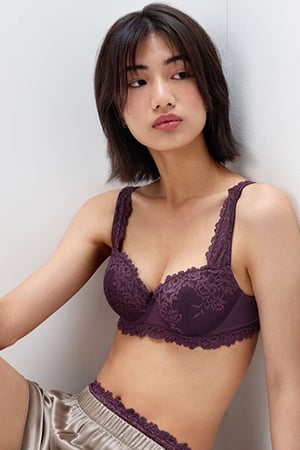
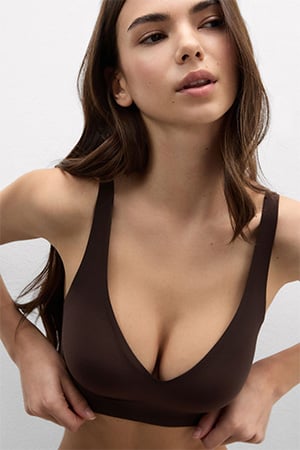
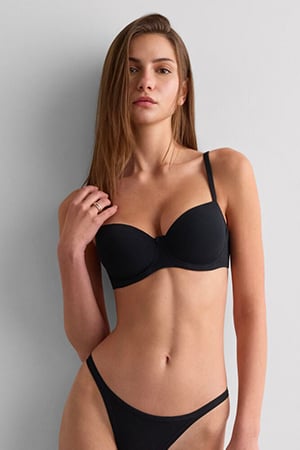

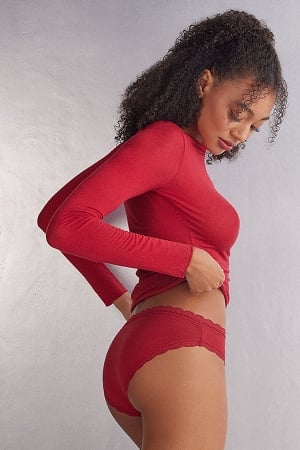
Trending













Customer service


-
How can I create an Intimissimi account?
Look for the account icon on our website's menu and click on "LOG IN/REGISTER". Then, simply follow the instructions to create an account and join the "My Intimissimi" loyalty program. Alternatively, you can create an account by clicking here.
-
Can I log in to Intimissimi website using my social media account? Where can I check my personal
information?
Yes, you can register and/or sign in to the Intimissimi account with your social media account. Choose the desired social media icon and follow the instructions.
You will be able to check your personal information in "My data" section. If you are logged in with a social media account, any change or update you make to your Intimissimi profile will not affect the data of your social media account. Please be aware that you will not be able to see or modify your password in "My data" section. -
What are the benefits of having an Account?
Having an Intimissimi account offers you a smoother and more enjoyable shopping experience, with access to the following benefits:
- Become a member of the "My Intimissimi" loyalty program: for you, a world of exclusive benefits, coupons upon reaching a points threshold and free standard shipping;
- Receive updates about our brand and exclusive offers;
- Faster check-out;
- Order history;
- Possibility to save your favorite items in the wishlist -
I forgot my Password. What should I do?
If you forgot your password, go to the""LOG IN/REGISTER"" section and click first on "Sign in" and then on “FORGOTTEN PASSWORD?”. Enter the e-mail address associated to your account and follow the instructions in the e-mail you will receive.
Make sure to follow these password requirements. The password must:
- Be at least 8 characters long
- Include at least one number
- Contain at least one capital letter or special character
- Not include any spaces
- Not match the email address used for registration -
I have not received the e-mail to reset my password. What should I do?
If you have not received the e-mail to reset the password, please check the "Spam/ Junk" folders. If you still can't find the email, you can contact us at hello@intimissimi.com.
-
How can I update my information?
Log in to your account with the e-mail you used during the registration and click on "PROFILE".
In this section you will be able to modify:
- your personal information in the "My data" section
- your shipping addresses in the "Address Book" section
- your credit cards information in the "My cards" section -
I placed an order as a guest user. Can I add it to my account?
Unfortunately, this function is not available at the moment.
-
Do I need an account to place an order?
To place an order, you do not need to have an account "My Intimissimi" and you can proceed as a guest. To place an order through our app, you need to have a "My Intimissimi" account.
-
What is the difference between subscribing to the Newsletter and creating an Account?
By subscribing to the Newsletter, you will receive information about the last news and the promotions from Intimissimi. The Newsletter subscription does not imply the creation of an Account. But if you decide to create an Account, you will be able to take advantage of the following benefits:
- Receive updates about our brand and exclusive offers
- Faster checkout
- Orders history
- Save your favorite items in the wishlist
- Become a member of our loyalty program My Intimissimi: for you, a world of exclusive benefits, coupons and discounts, plus free standard shipping on all orders.
Discover more about our loyalty program here. -
How can I delete my Account?
Log in to your account with the e-mail you used during the registration and click on "PROFILE". In "My data" section, select "DELETE ACCOUNT".
We remind you that after deleting your account you will no longer be able to benefit from the advantages of our program. Deleting your account will also delete your loyalty program membership.


